
Mastering Amazon Carton Labeling: A Complete Guide for Sellers
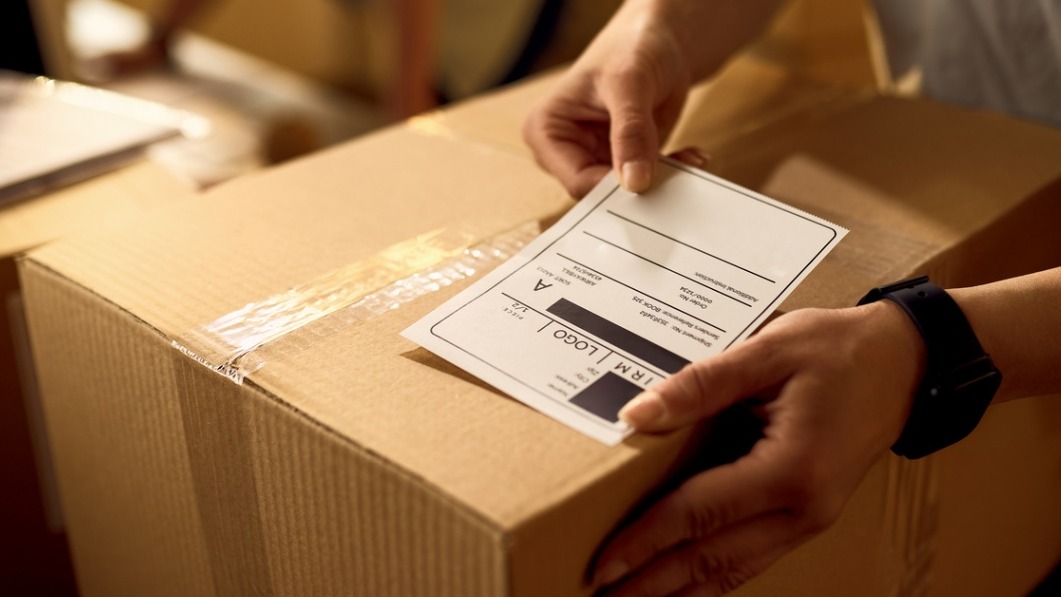
Amazon Carton Labeling
Definition
Amazon Carton Labeling is the process of applying standardized labels to shipping cartons destined for Amazon fulfillment centers. These labels include barcodes, shipment IDs, and product identifiers (such as FNSKU) to enable accurate receiving, sorting, and inventory tracking. Correct carton labeling ensures compliance with Amazon's requirements and reduces delays, misplacements, and processing errors.
Overview
Carton labeling for Amazon means applying the correct barcode labels and providing accurate carton content information for each box you send to Amazon’s fulfillment network. For a beginner, think of carton labels as the address and contents card combined: they tell Amazon where the carton belongs, what’s inside, and how to process it quickly. Doing this right reduces receiving time, prevents chargebacks and removal orders, and keeps your inventory flowing to customers.
Why carton labeling matters
Accurate carton labels let Amazon scan and route shipments efficiently on arrival. When carton labeling is correct, cartons are received faster, stock is available sooner for sale, and the chances of inventory being miscounted or misplaced drop dramatically. Mistakes or poor-quality labels can trigger delays, rework fees, or even rejection of the shipment.
Core label types and information you may need
Most sellers will encounter these common label types:
- Amazon carton/box label (4x6): This is the primary FBA box label generated in Seller Central when you create an inbound shipment. It contains the shipment ID, FBA destination, and a scannable barcode used by Amazon to track the box.
- Carton content information: When required, Amazon asks sellers to declare what SKUs and quantities are in each carton. This data is entered in the Shipments workflow or uploaded via API and must match the physical cartons.
- SSCC pallet labels (when shipping pallets): For palletized shipments you may need an SSCC (Serial Shipping Container Code) label for each pallet, compliant with GS1 standards.
Step-by-step beginner checklist
Follow these practical steps when preparing cartons for Amazon:
- Create the inbound shipment in Seller Central: Start the shipment workflow, choose the units per carton (case-packed or mixed), and select carrier/shipment plan details. Amazon will tell you if carton-level details are required.
- Provide accurate carton content: For each box, enter the SKU(s) and quantity. If you are shipping mixed-SKU boxes, double-check the counts because Amazon relies on this to receive your goods efficiently.
- Print the Amazon box labels: Use the “Print box labels” option to generate 4x6 labels. Use thermal printers or high-quality laser printers on good label stock to ensure readability.
- Affix labels correctly: Place one label on the largest flat surface of the carton. Avoid seams, corners, handles, or edges, and never place labels over box openings. Ensure the barcode is unobstructed and flat.
- Package and seal properly: Use sturdy corrugated cartons and secure the box so labels remain intact during transit.
Label placement and printing best practices
Use a 4x6 inch label printed at 300 dpi for reliable scanning. Thermal transfer printers are preferred because they produce durable, smudge-resistant barcodes. Place labels on the longest side of the box, away from seams and corners, and avoid putting barcodes over damaged surfaces. If you need to tape a label, use clear non-reflective tape without bubbles; reflective tape can interfere with scanners.
Handling mixed cartons and case-packed cartons
If boxes contain a single SKU (case-packed), indicate this in the shipment workflow: you’ll generally only need one box label per carton. For mixed cartons (multiple SKUs in one box), you must provide detailed carton content information so Amazon knows exactly what’s inside. Mixed cartons increase the need for accurate documentation—mismatches between declared contents and actual contents are a frequent cause of receiving delays.
Pallet shipments and SSCC labels
When shipping on pallets, follow Amazon’s pallet requirements and affix SSCC pallet labels where required. Each pallet label should be placed in a visible location and include the SSCC barcode for pallet tracking. Palletized shipments typically have stricter rules for stacking, labeling height, and label placement—check the shipment instructions in Seller Central.
Common beginner mistakes and how to avoid them
Many new sellers make avoidable errors. Watch for these pitfalls:
- Poor print quality: Low-resolution printing or faded toner makes barcodes unreadable—use good printers and test scan labels before shipping.
- Wrong label type: Don’t use a product barcode (UPC/GTIN) when Amazon requires a box label; use the exact labels generated by Seller Central or the API.
- Incorrect carton content: Under- or over-declaring quantities or SKUs leads to delays and remediation fees. Reconcile accurately when packing.
- Misplaced labels: Labels on seams or corners may tear or be unreadable—place them on flat surfaces.
- Covers and obstructions: Don’t cover labels with opaque tape, packing slips, or other stickers. If covering is necessary, use clear non-reflective tape and avoid wrinkles.
Tools and process tips
Use these practical aids to streamline carton labeling:
- Printing templates and batch printing: Use Amazon’s batch label print option or your shipping software to generate multiple labels quickly.
- Barcode verifier or scanner: Test-scan labels before sending to catch printing issues early.
- Label stock: Use 4x6 thermal labels designed for shipping. They adhere well and resist smearing.
- Integrations and APIs: If you ship at scale, integrate your systems with Amazon’s APIs to upload carton content data programmatically.
Working with 3PLs or prep centers
If you use a third-party logistics provider or a prep center, clearly document your labeling requirements and confirm they will print/apply the correct Amazon labels and provide accurate carton content data. Many 3PLs offer carton labeling as part of their service; include this in your SLA to avoid surprises.
What to do if Amazon rejects or reworks cartons
If a shipment is rejected or Amazon reports receiving discrepancies, review their receiving reports and compare them to your packing records. Common fixes include reprinting labels, repacking cartons to match declared contents, or reimbursing for lost/damaged inventory. Address the root cause—whether packing errors, label quality, or inaccurate carton content—to prevent repeats.
Quick summary for beginners
Always create inbound shipments in Seller Central, declare carton contents accurately, print and apply the 4x6 Amazon box labels at 300 dpi on the largest flat surface, and use sturdy cartons and quality labels. Double-check mixed-SKU cartons and pallet labels if applicable. Following these steps reduces delays and keeps your FBA inventory flowing.
By treating carton labeling as a core part of your fulfillment process—not an afterthought—you protect your inventory, reduce fees, and speed up availability to customers. For most sellers, mastering carton labeling is a small upfront investment that pays off with smoother operations and fewer headaches at the fulfillment center.
More from this term
Looking for a 3PL?
Compare warehouses on Racklify and find the right logistics partner for your business.